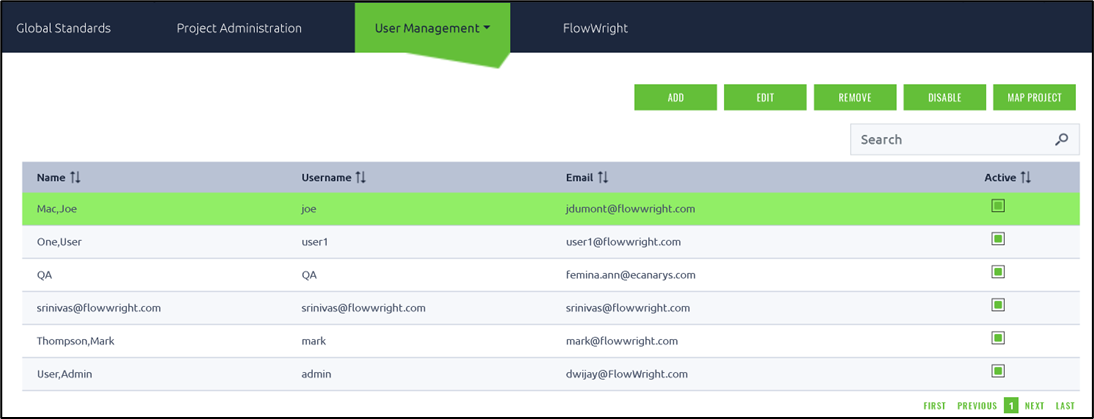
On the User's Management page, select the user from the table and click the Remove button.
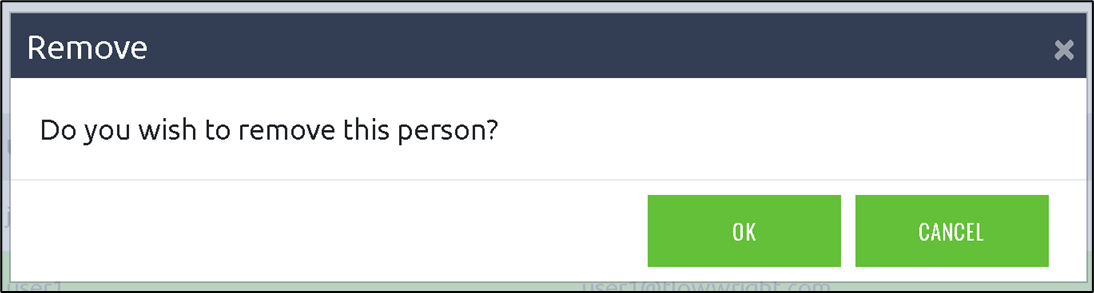
A popup window is displayed for confirmation. Click OK to confirm. The user is removed the FlowWrightPM system.
You are viewing an Archived item in your Knowledge Base, it is not publicly accessible.
Remove an user from the FlowWrightPM
On the User's Management page, select the user from the table and click the Remove button.
A popup window is displayed for confirmation. Click OK to confirm. The user is removed the FlowWrightPM system.