FlowWright supports a complete multitenant SaaS. Download the installer and start the installation process. In the following dialog, select “Multi-Tenant Installation” from the two options.

If the database needs to be created and configured, please follow the instructions below:
After installation, navigate to the following URL to access the Tenant Manager:
http://tenantmanager.localhost:8080/
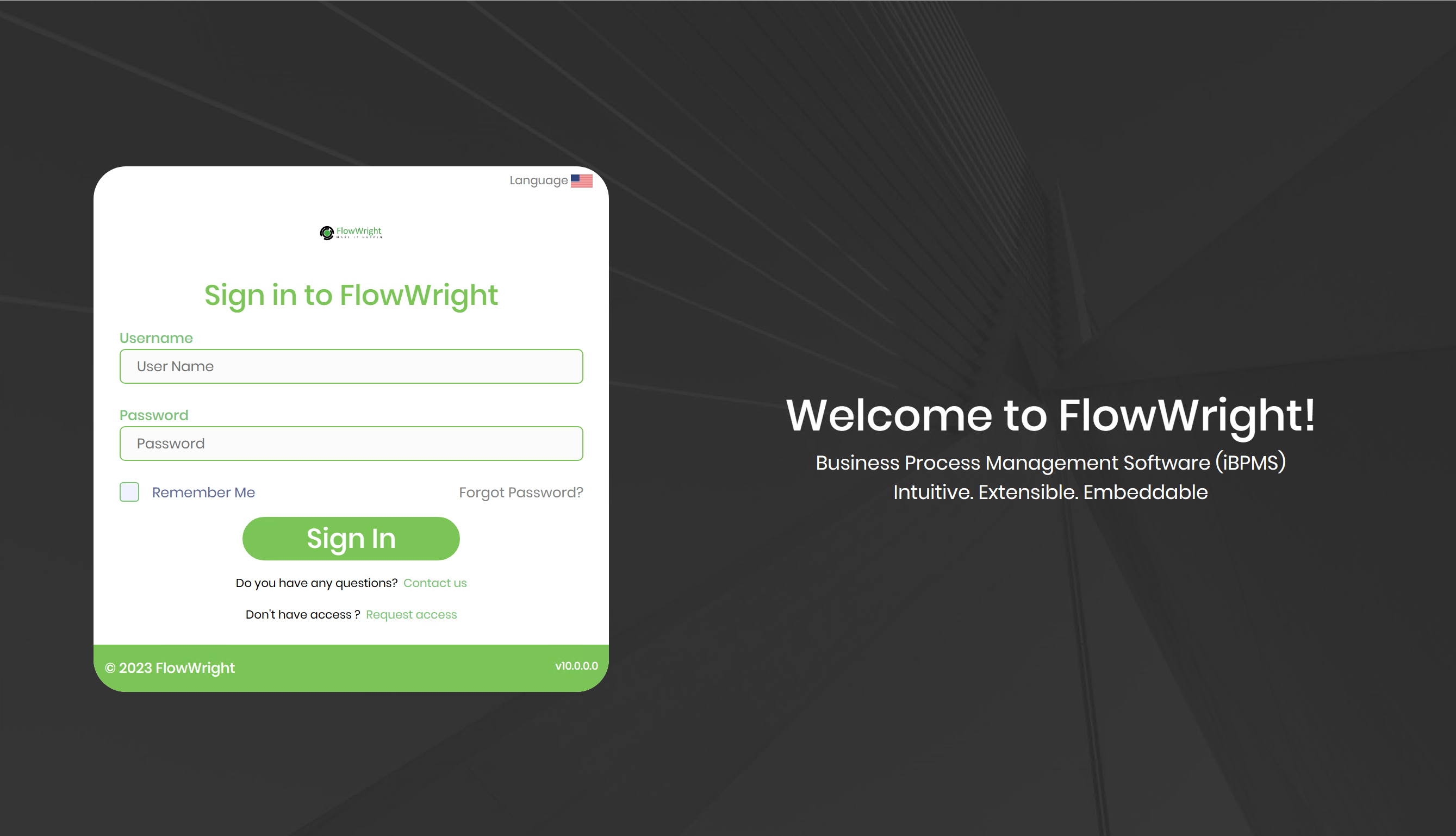
For more details on configuring FlowWright in a multi-tenant environment with the Tenant Manager, follow the Tenant Manager user guide.