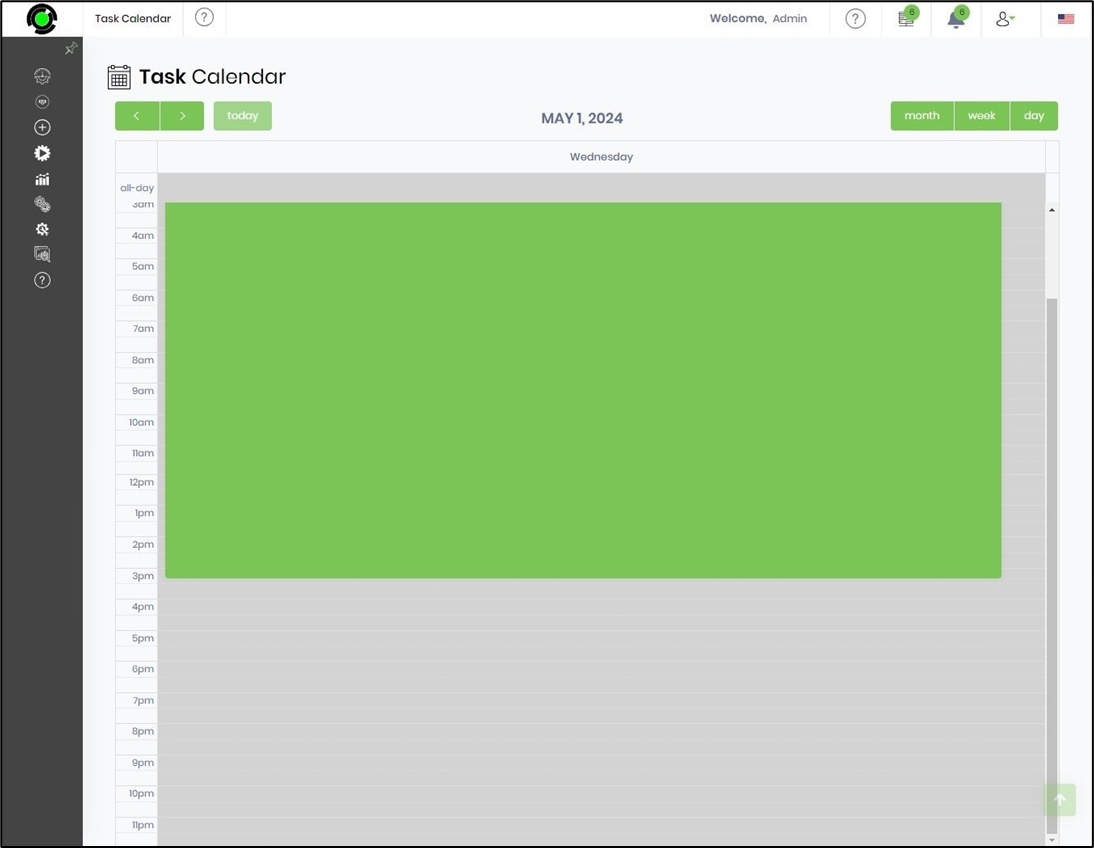
This function displays the tasks assigned to you by Month, Week, and Day.
To view the tasks, go to Engage > Tasks > Task Calendar page. All open tasks are shown in green.

Take control of your tasks. By default, they are displayed by month. Hover over a task to view its title and start date.

Double-click a task to view details and complete it. The completed task is removed from the calendar.

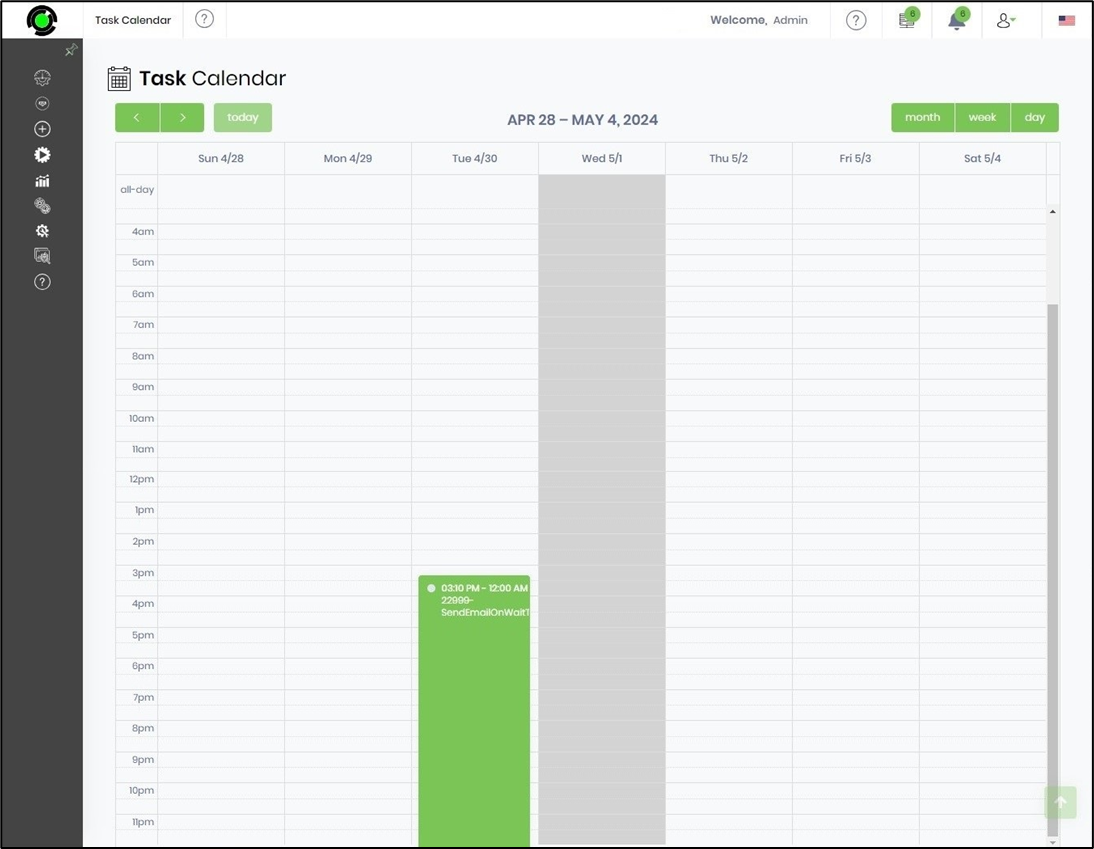
The task calendar week-wise is shown below.
The task calendar day-wise is shown below.